

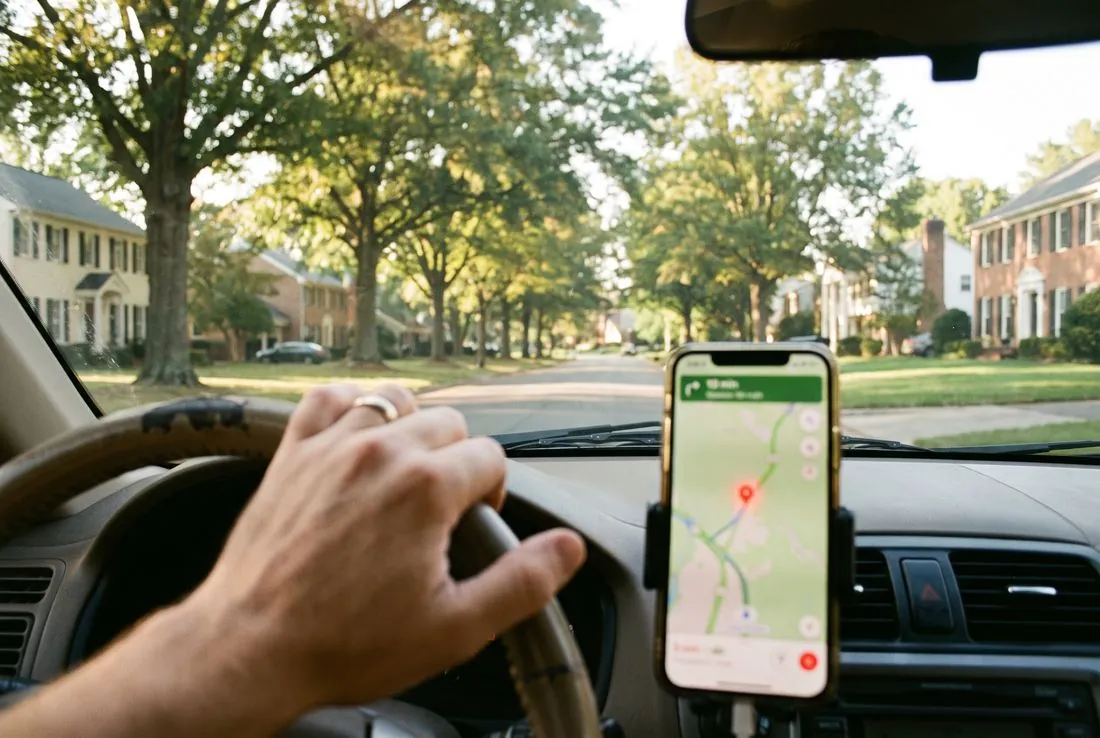
Search for a plumber in Huntersville or a fence company in Fort Mill and the first thing on the screen is a map with three businesses on it. Those three did not get there by accident. Their Google Business Profiles say clearly what they do, where they do it and when, and their websites say the same thing. This is the setup, in the order it matters.
1. Claim it and verify it
If your business already appears on Google Maps, claim the listing rather than creating a second one; two profiles for one business confuse the map and split your reviews. Verification is usually a postcard, a phone call or a video walk-through of the premises. A service-area business without a storefront can hide its address and still verify. Google walks through both in its own help page, Add or claim your Business Profile.
2. Pick the primary category with care
The primary category is the single strongest signal on the profile. "Fence contractor" and "General contractor" are different results for different searches. Choose the category that names the work you most want to be called for, then add secondary categories for the rest. Do not add categories for work you do not do; it dilutes the profile, invites the wrong calls and runs against Google’s own guidelines for representing your business.
3. Set the service area to the towns you actually serve
A service area is a list of towns, not a radius drawn around a city. List the towns you drive to and leave off the ones you do not; a customer in a town you have listed sees you, and a customer in a town you have not does not waste your afternoon. Keep the list the same as the towns named on your website, because Google reads both. Google’s own advice is that local results rest mainly on relevance, distance and prominence (Tips to improve your local ranking); the service area and the site together are most of what relevance and distance are built on.
4. Hours, phone and website that match the site
The hours on the profile should be the hours someone answers. The phone number should be the one on the website. The website link should go to the page for the service and town the profile is about, usually the homepage. When the profile and the site disagree on any of these, both look less trustworthy to the map.

5. Photographs of your own work and premises
Real photographs, taken in daylight, of finished jobs, the van, the storefront and the people who answer the phone. Upload a handful when you set up and add a few each month; a profile with recent photos reads as a business that is still open. Stock photographs are worse than none.
6. Reviews: ask, and reply to every one
Reviews are earned one job at a time. The shortest way to ask is a text message with the review link the day the job finishes, while the customer is still pleased. Reply to every review, the good ones with thanks and the rare bad one with a calm, factual answer; the reply is read by the next customer, not the last one. Never buy reviews and never write your own; Google removes them and the profile with them.
7. Keep it current
Holiday hours, a new service, a new town, a price change: each one is a two-minute edit on the profile and on the site. A profile that has not changed in a year looks like a business that has closed.
Your Google Business Profile is kept current on every SkyBridge plan and optimized on Grow and Lead, and it is the first thing we check when a Carolina business tells us the phone is quiet. If you would rather have a local person set it up and keep it current, local SEO is where it lives, or ask for a quote.